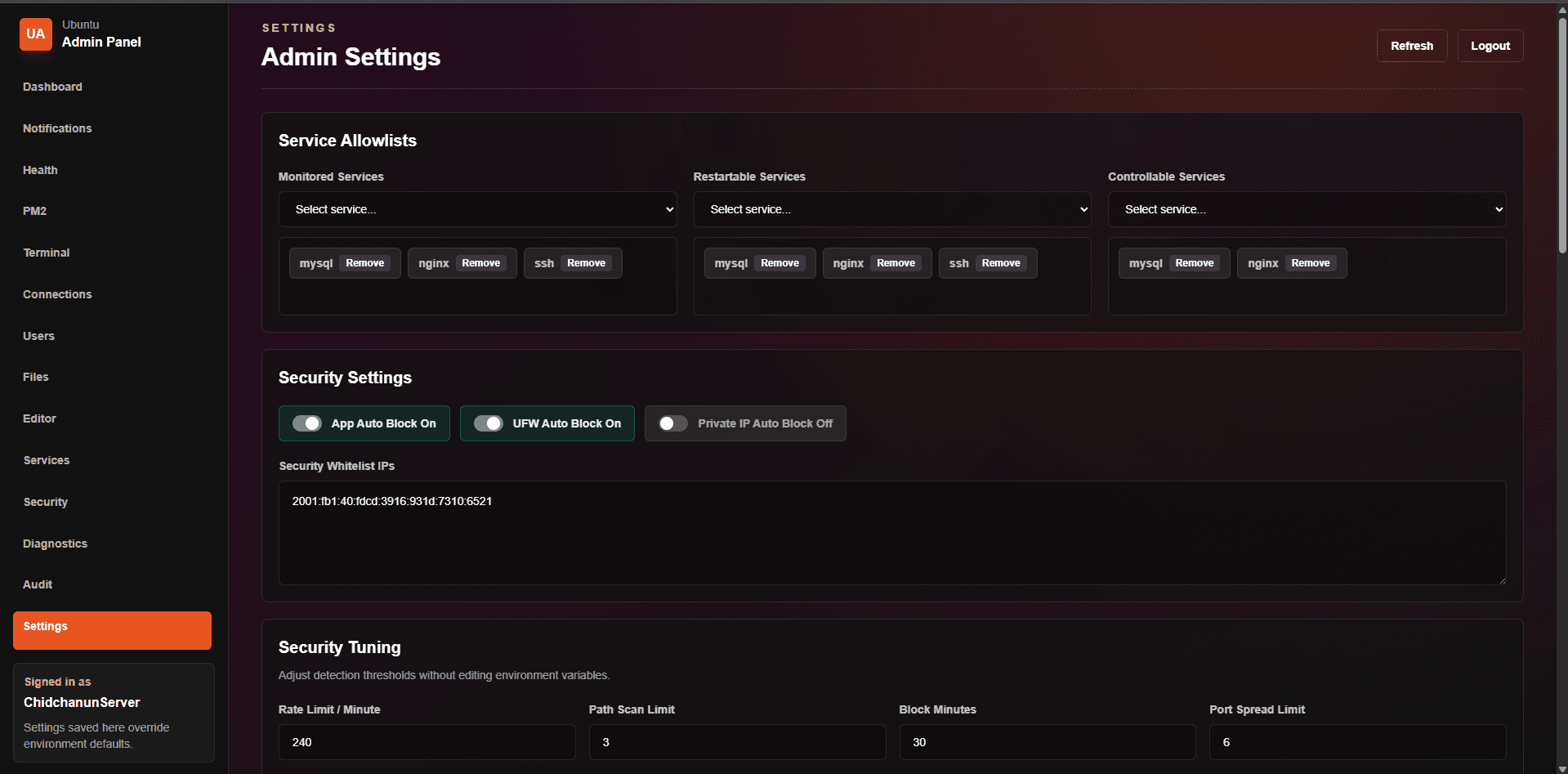
01Login
Login
Login screen for restricting access before users enter the server control panel.
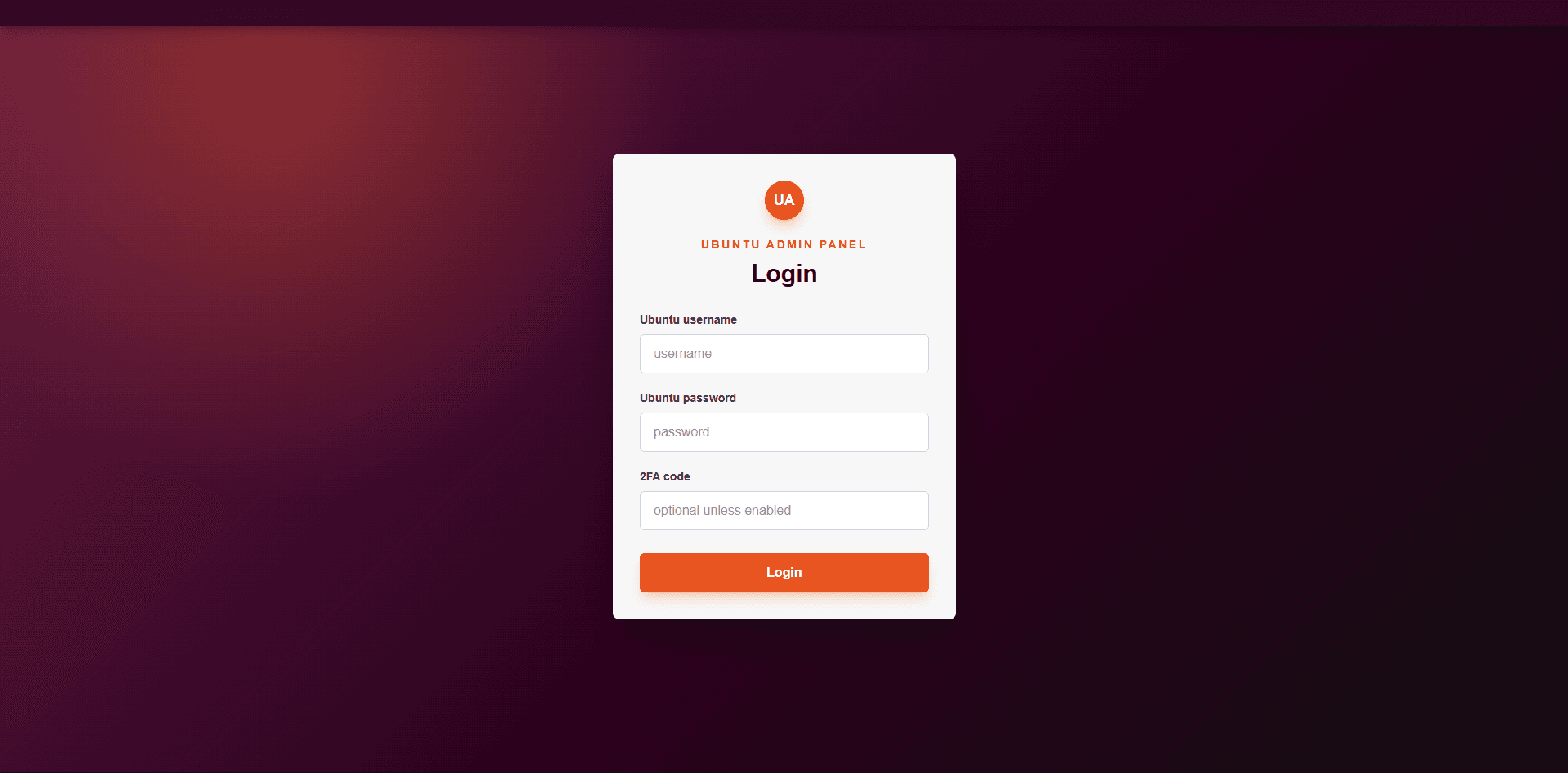
Server Admin Panel
A feature showcase for an Ubuntu Server admin panel, created to present the project without exposing real login credentials. It covers system monitoring, services, PM2, terminal, files, users, security, and audit logs.
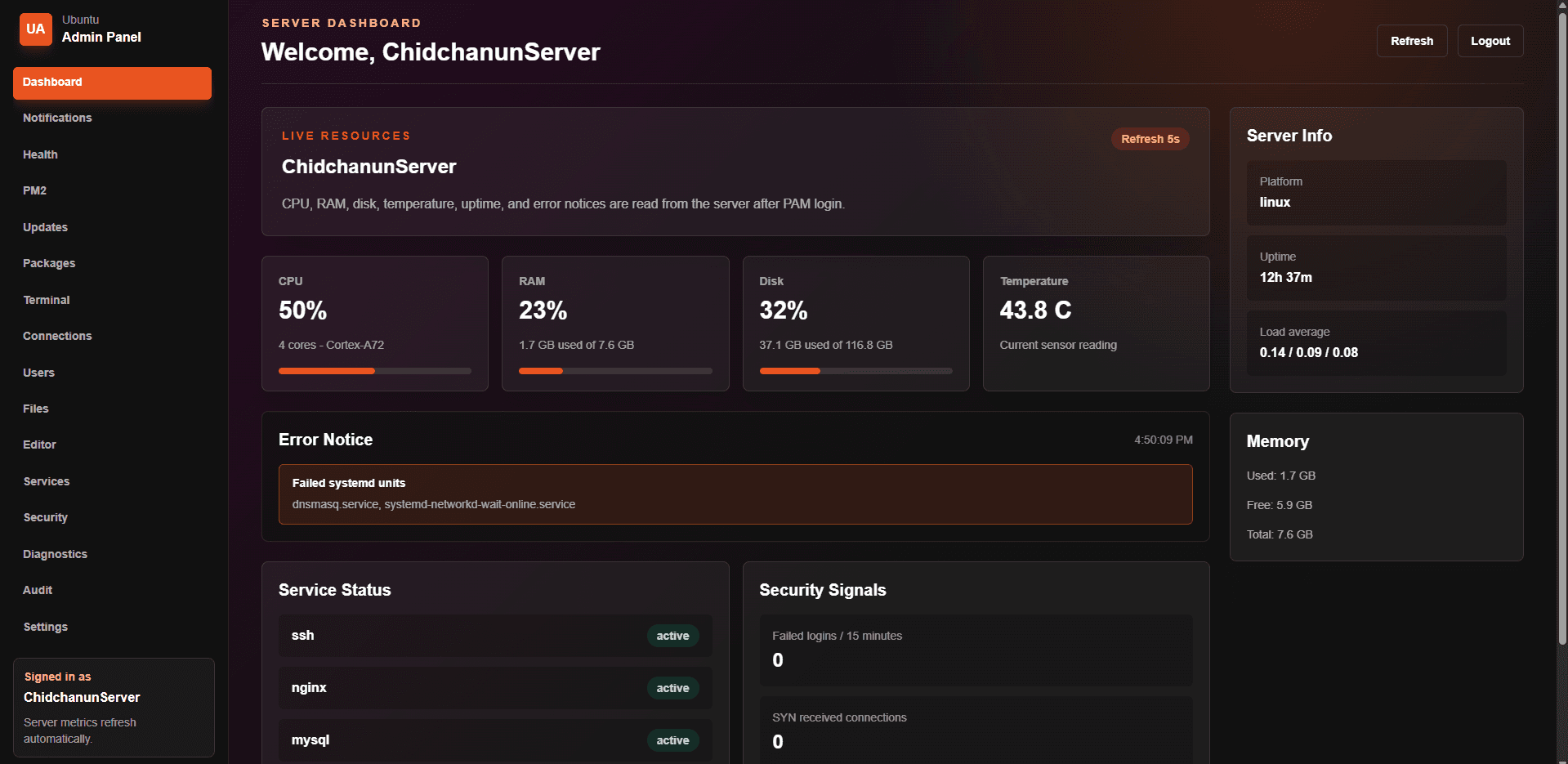
Designed to demonstrate the system without sharing production credentials
Covers Ubuntu Server administration across monitoring, services, PM2, files, users, and security
Useful for presenting home server, self-hosting, and server administration experience
Features
A walkthrough of the main screens, showing the system scope from status monitoring to server administration tools.
Login screen for restricting access before users enter the server control panel.
Overview screen for checking important server status from one place.
Health monitoring for reviewing system status and availability signals.
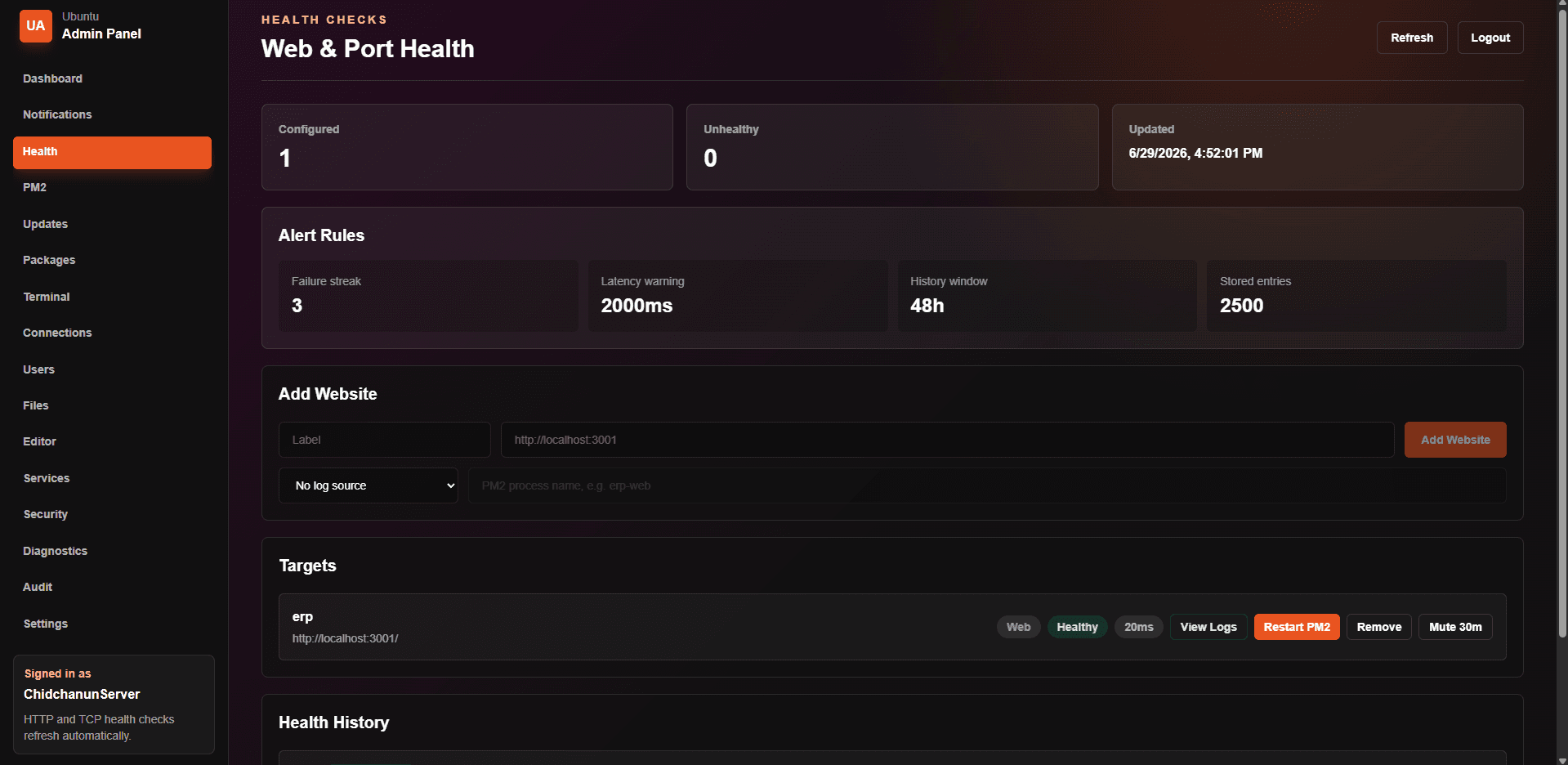
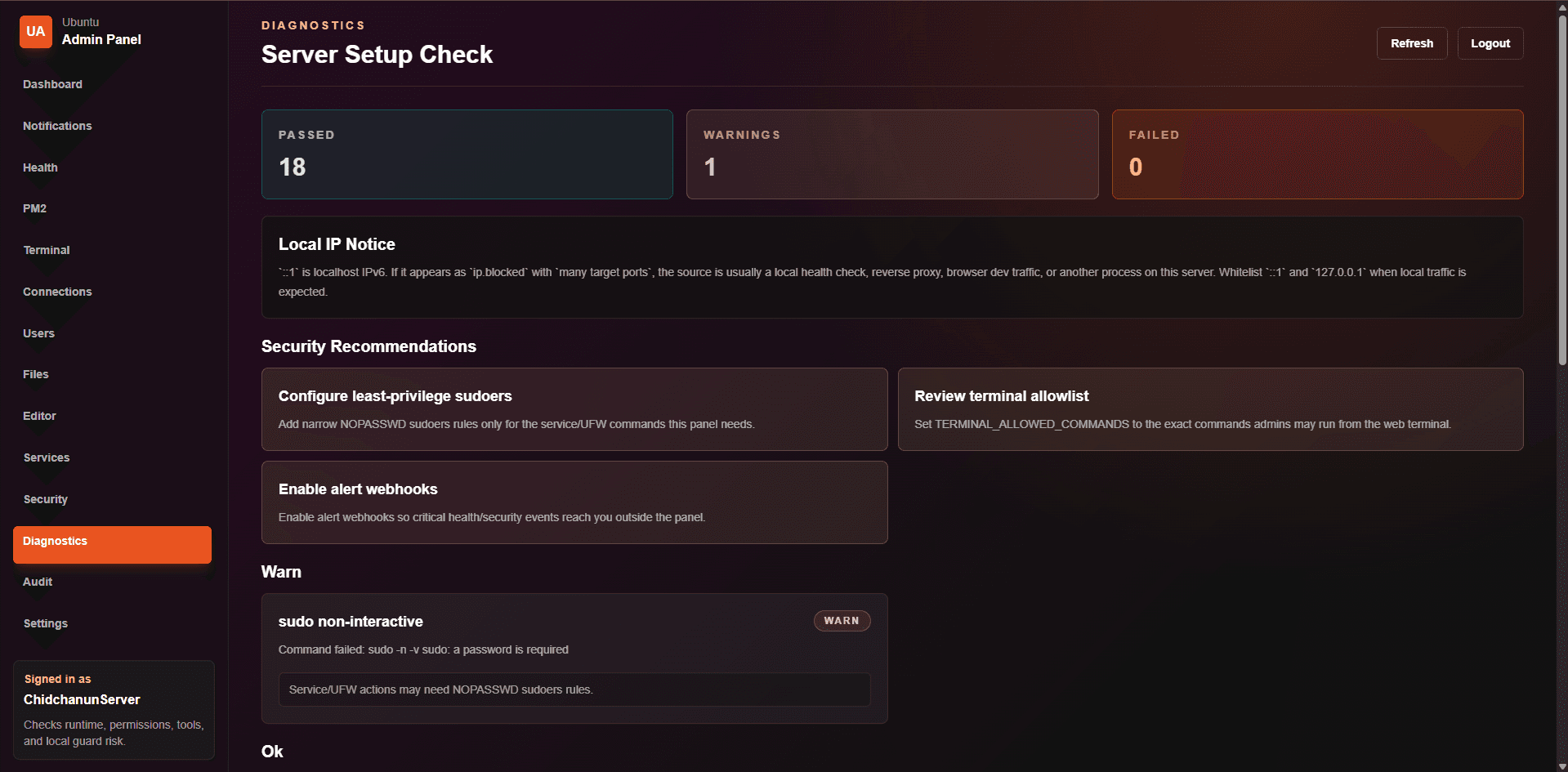
Diagnostic view for collecting useful details when investigating server issues.
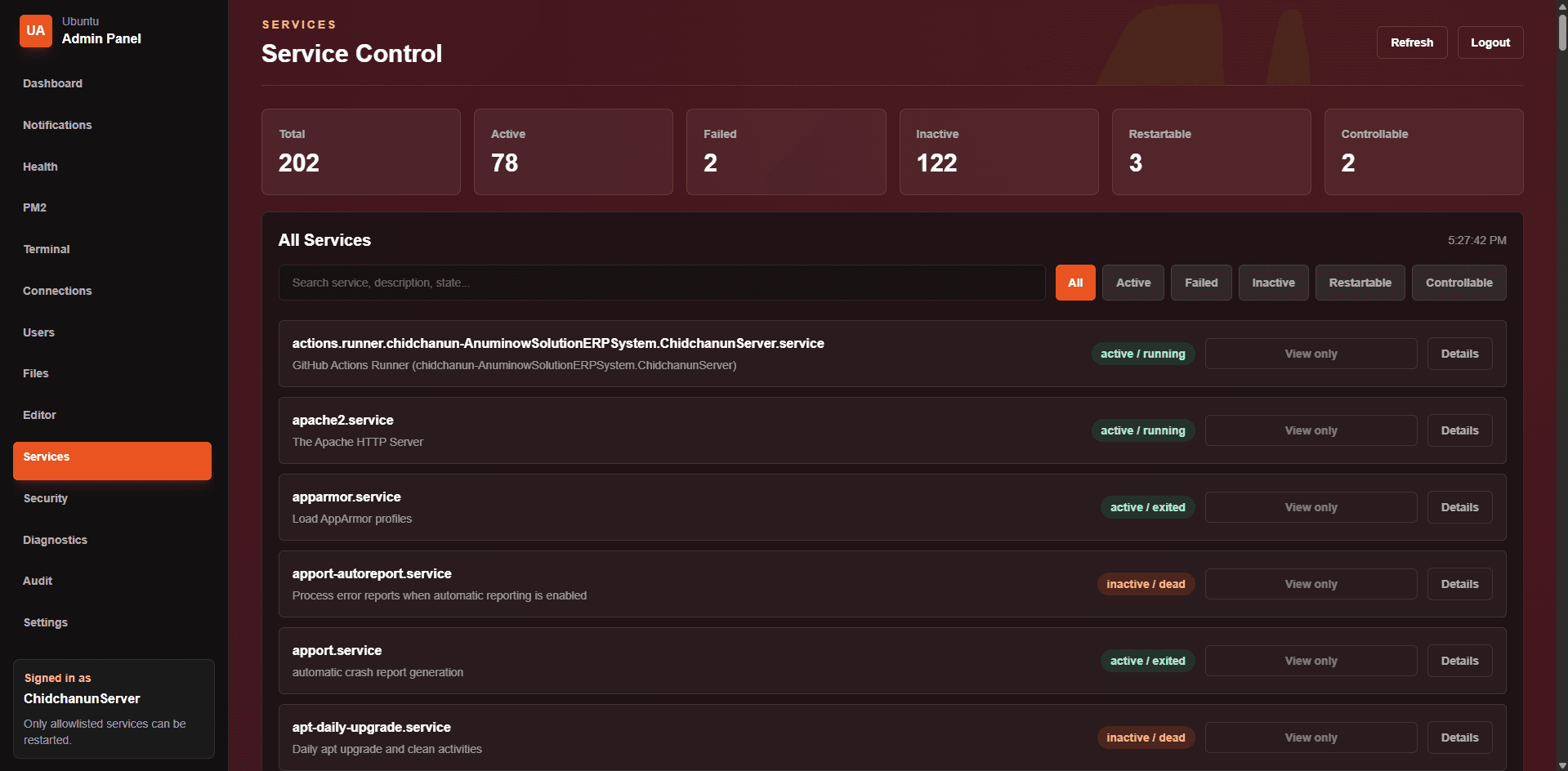
Ubuntu service management for reviewing and controlling system services through the web UI.
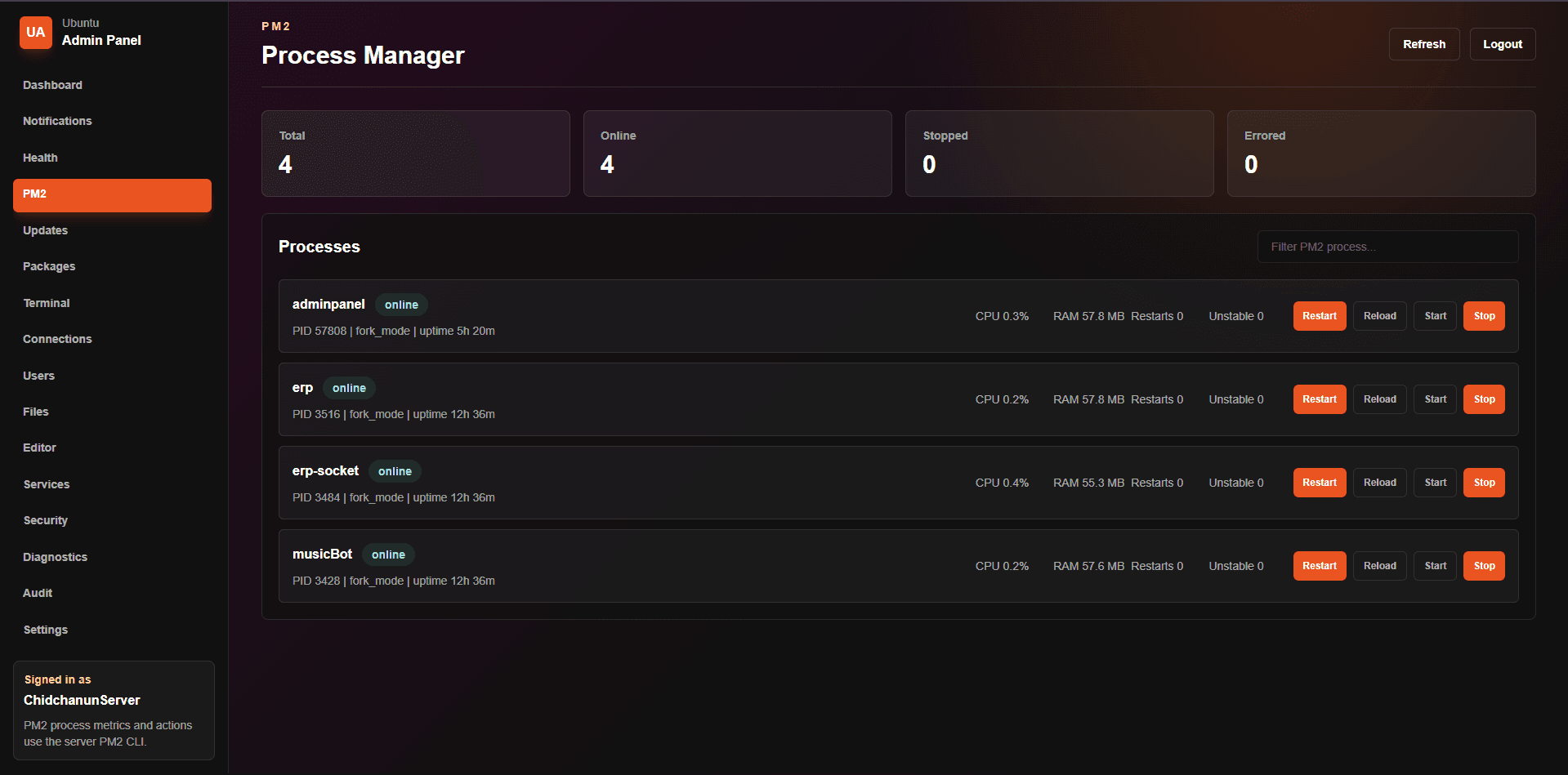
PM2 process management for deployed web applications running on the server.
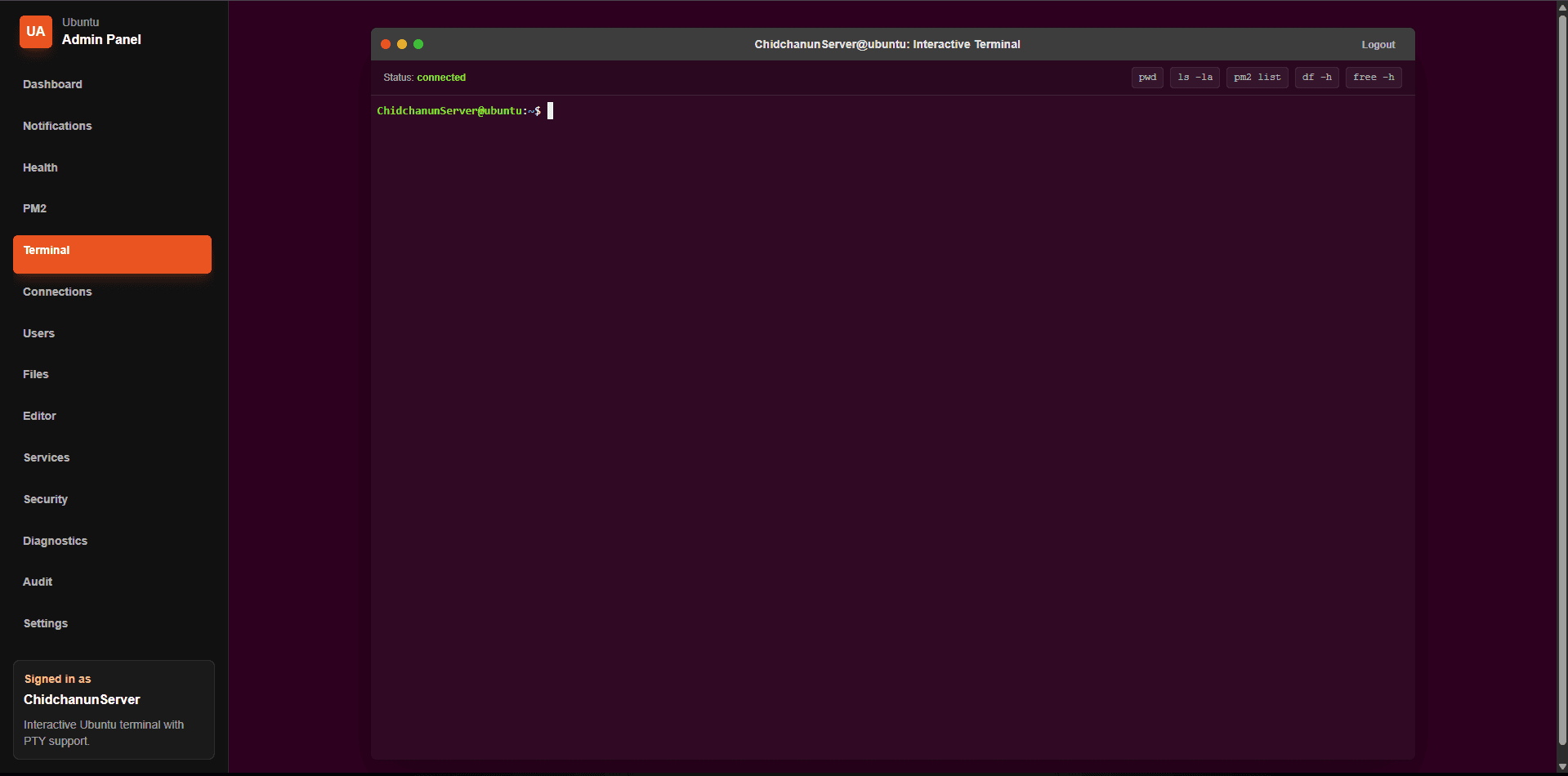
Terminal access for administrative commands in a controlled server environment.
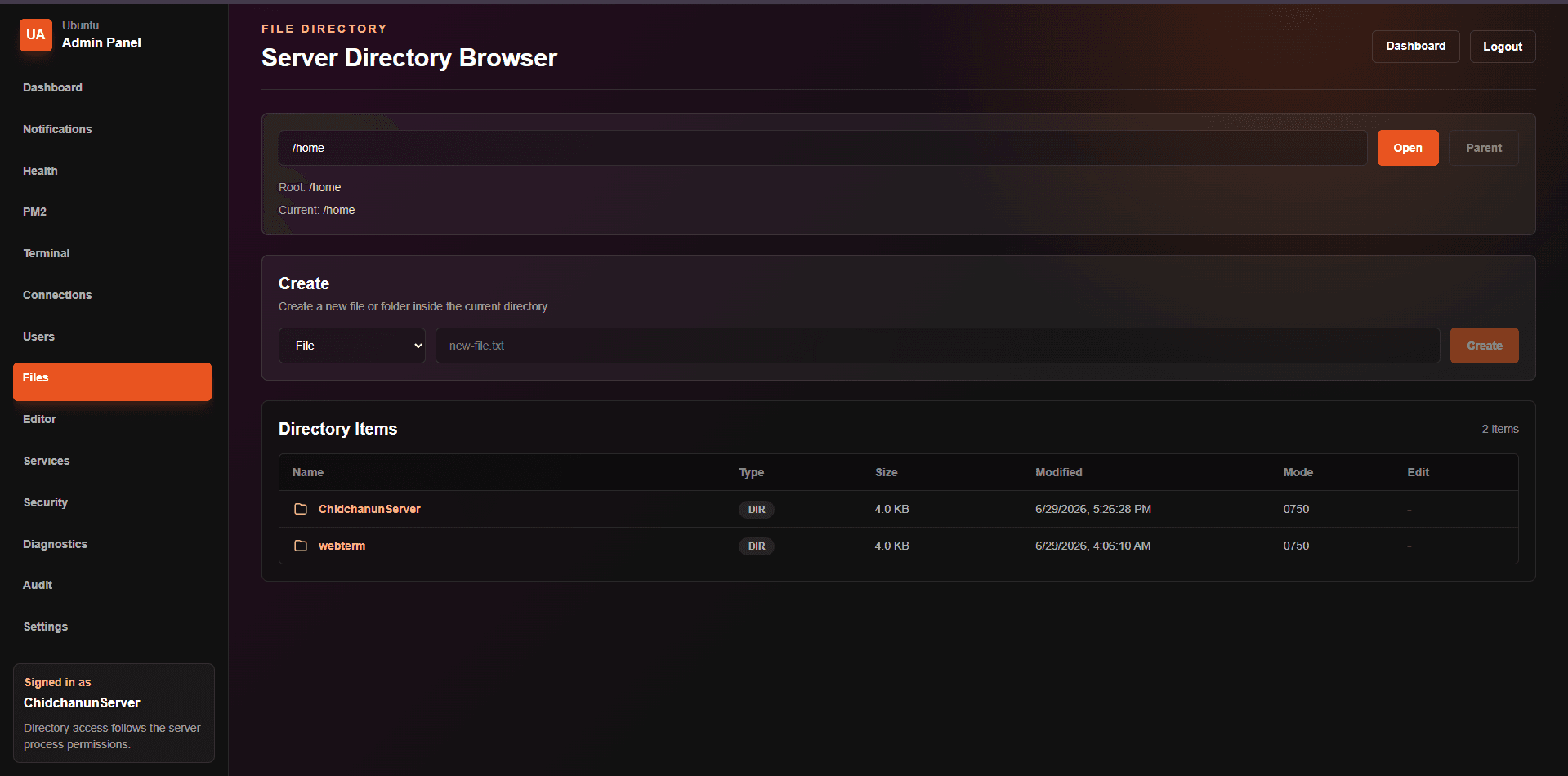
File management for browsing and handling server files from the web interface.
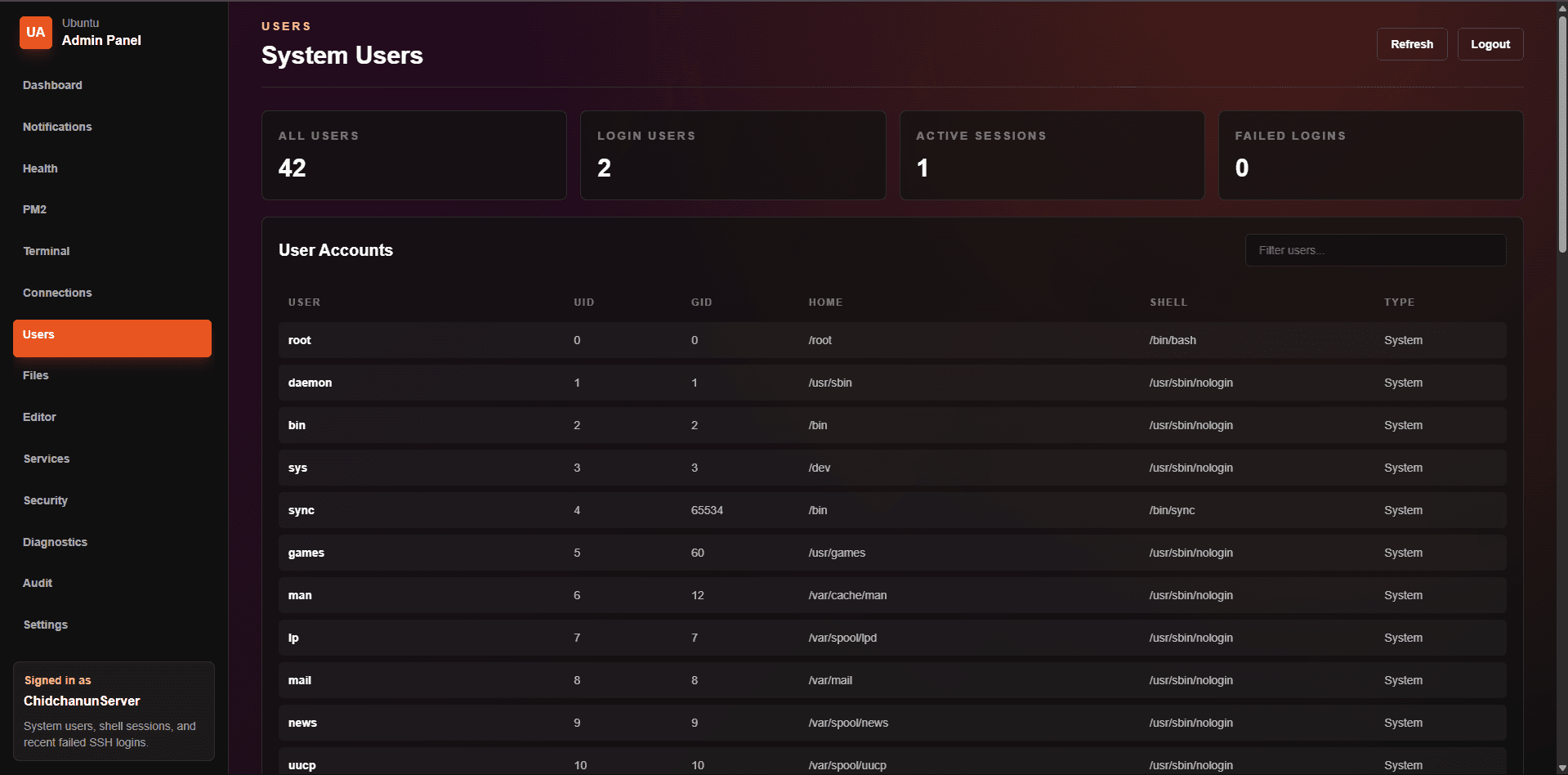
User management for handling accounts, access control, and multi-user workflows.
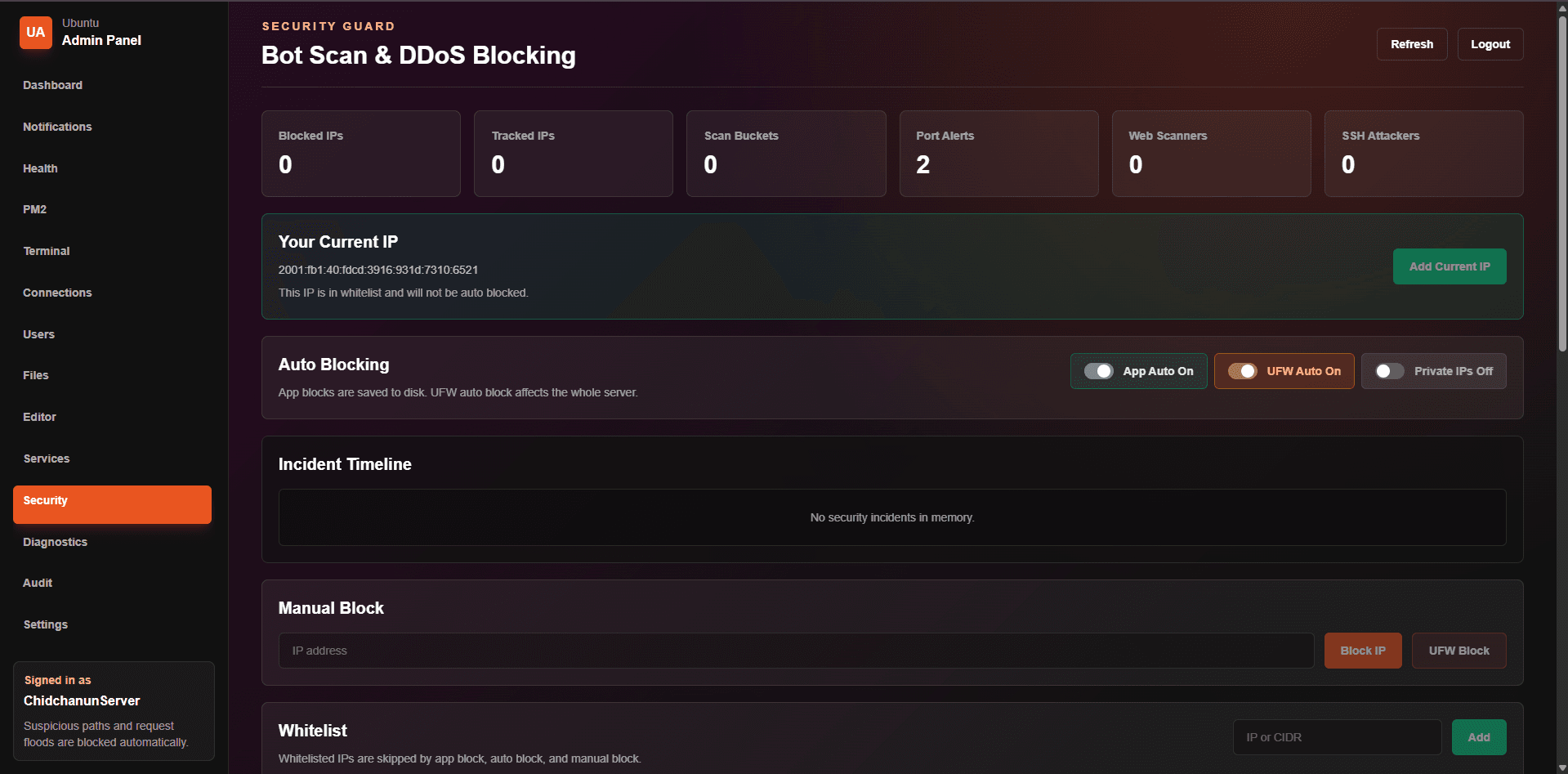
Security-focused view for reviewing protection-related server information.
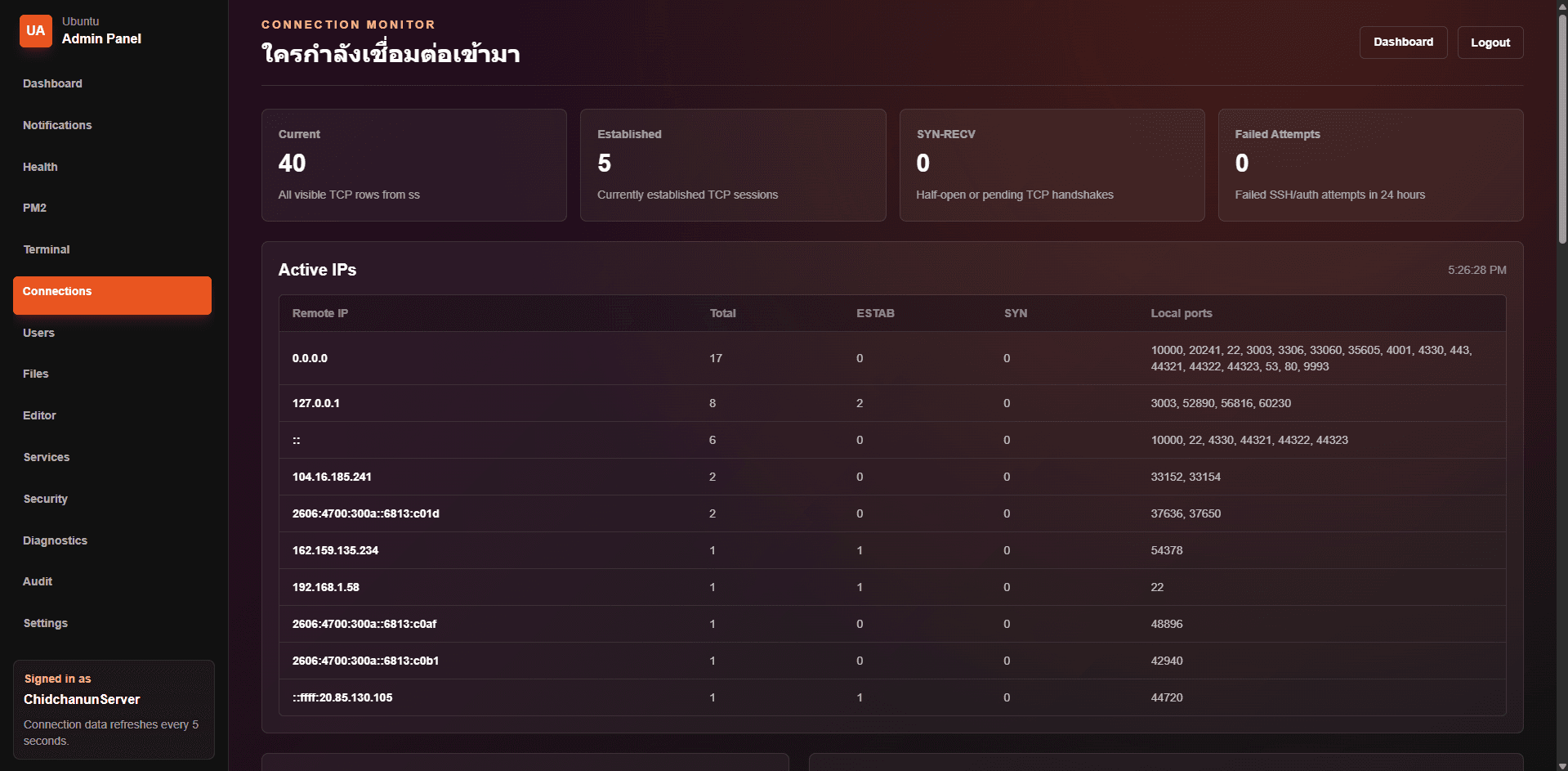
Connection monitoring for tracking activity and server access visibility.
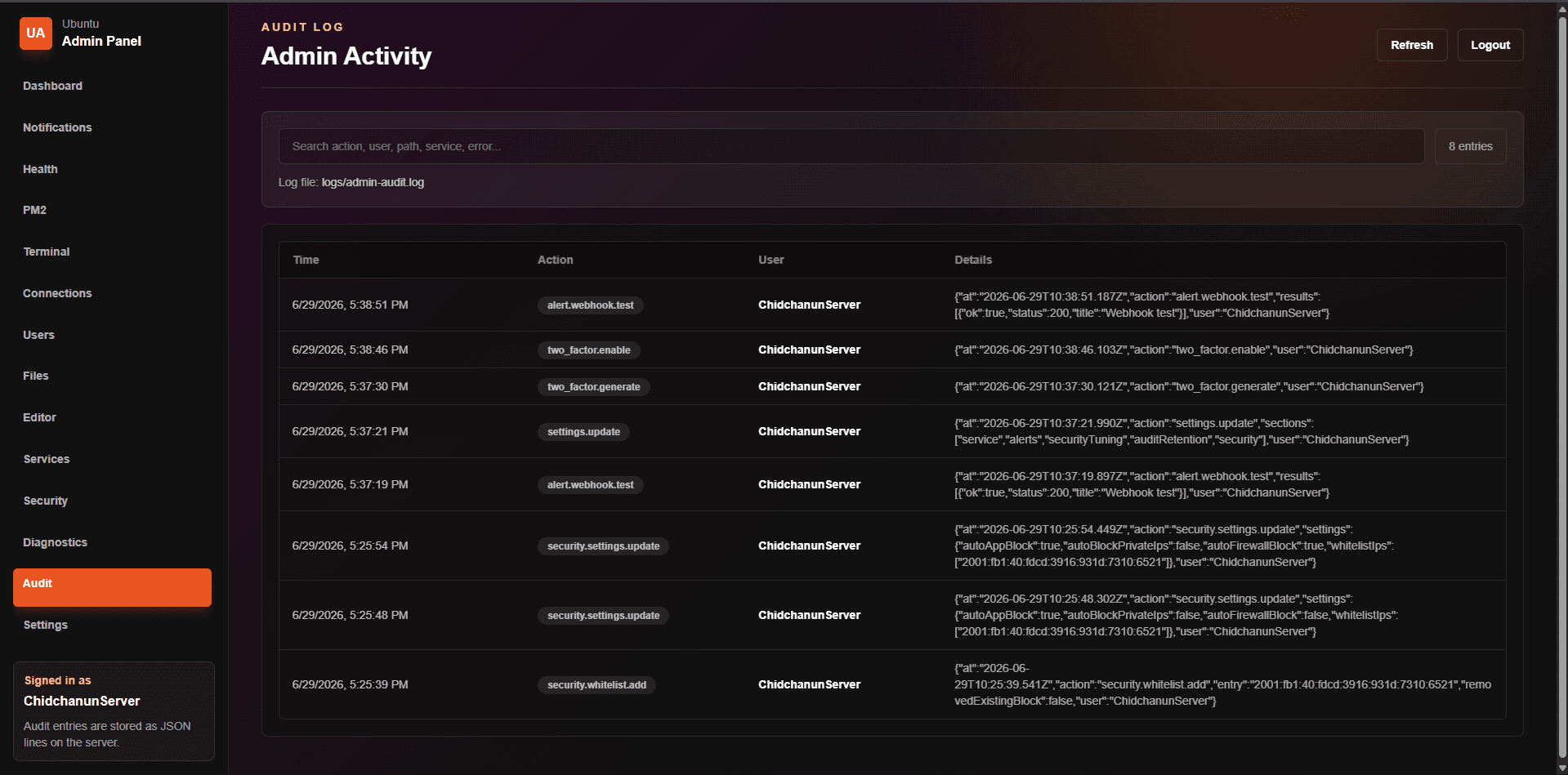
Audit records for reviewing important activity and tracking changes over time.
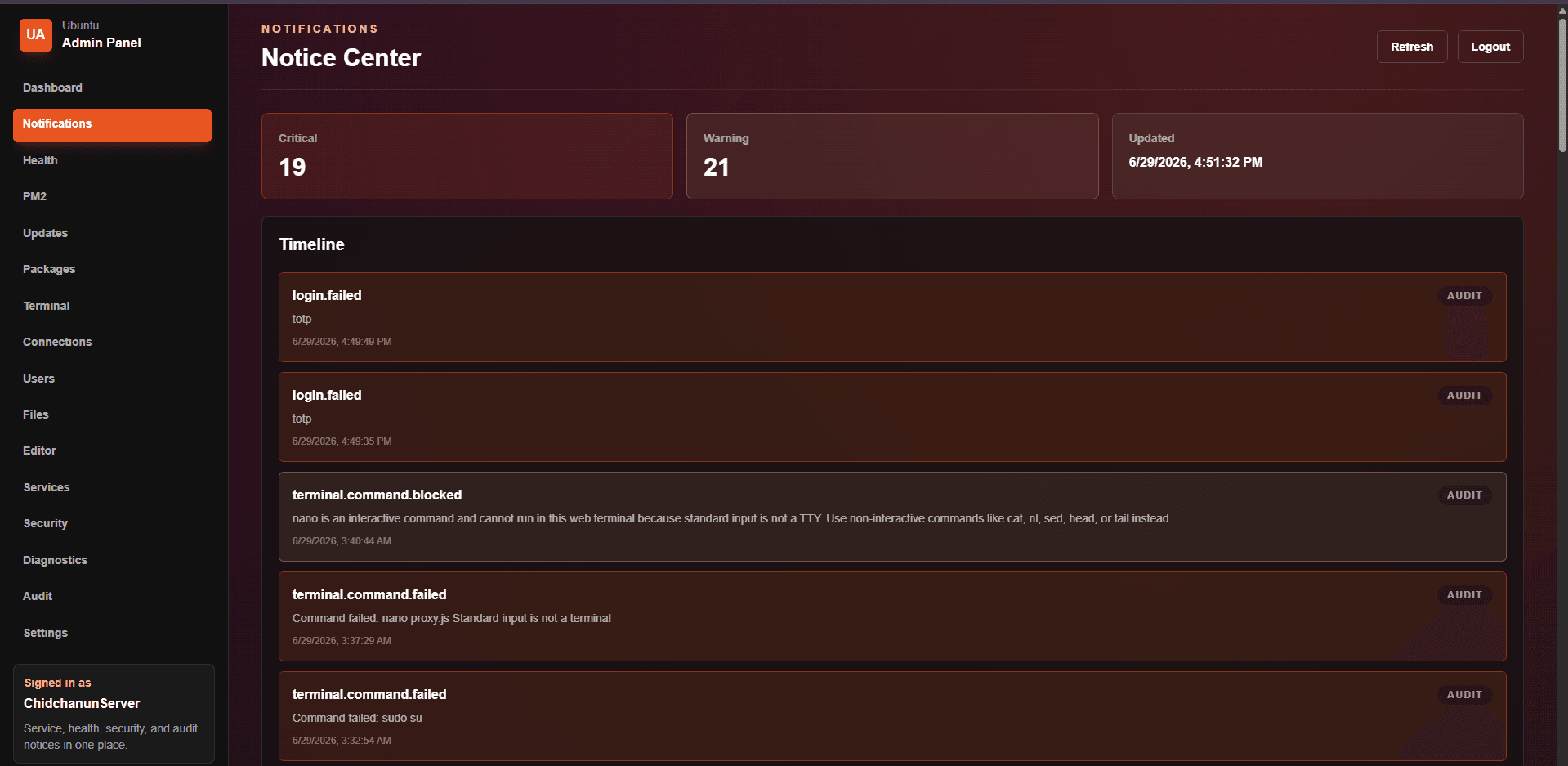
Notification management for keeping administrators aware of important events.
Settings screen for adjusting core behavior and control panel configuration.