01Login
Login
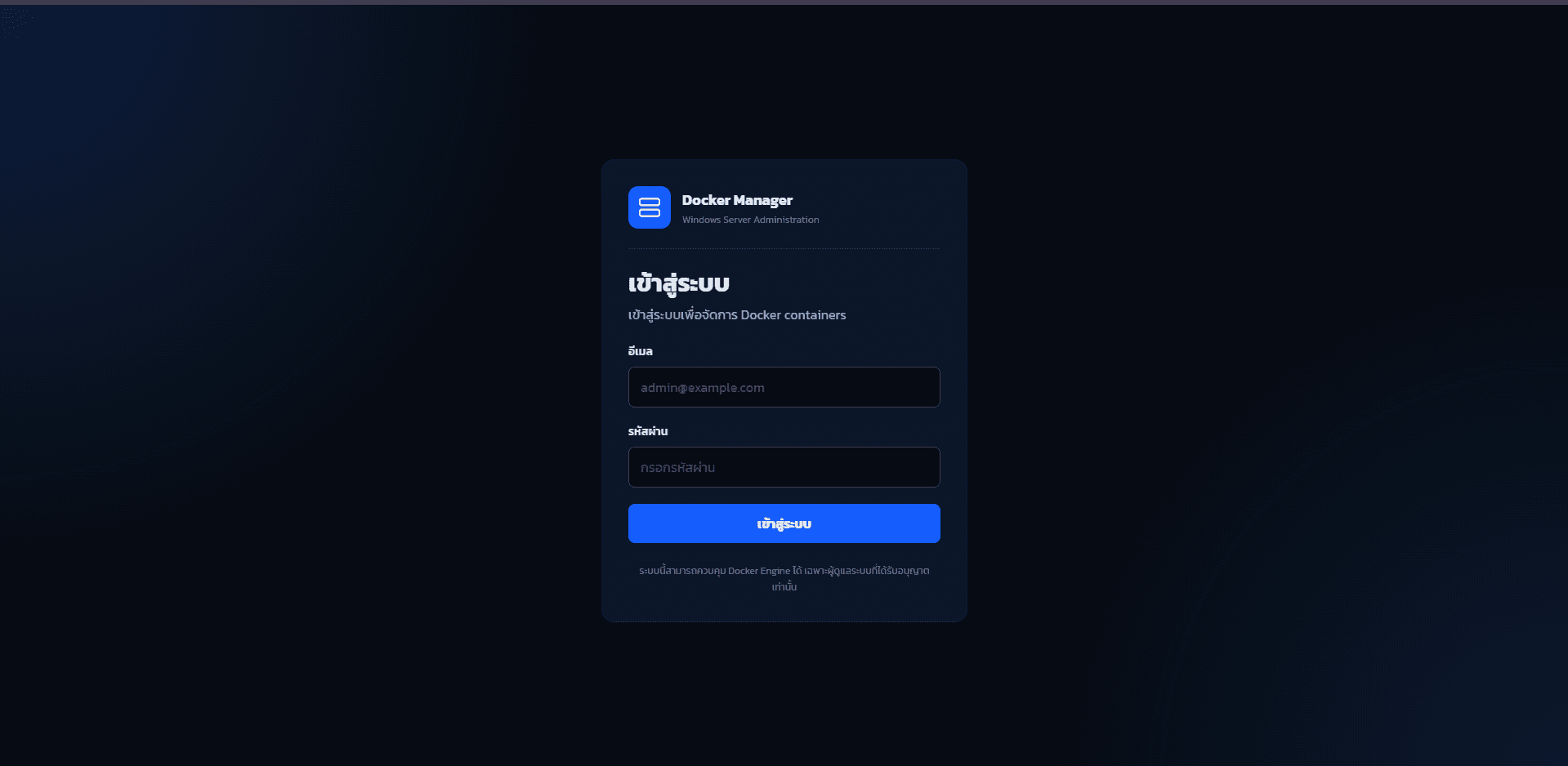
Login screen for restricting access before entering the Docker management system.
Container Management
A web application for managing Docker through a browser-based interface with an Angular frontend and Golang backend. It fits self-hosting, home server, and container-based service operations, covering dashboards, container lists, log inspection, and audit logs.
Built with separated Angular/Golang structure for clearer maintenance and future expansion
Supports container overview, status checking, log inspection, and audit log review from the web interface
Demonstrates Docker, server operations, API integration, and self-hosting experience
Repository
The project is split into main, Angular frontend, and Golang backend repositories to show each project boundary clearly.
Screens
Screens from the system showing the workflow from login and dashboard views to container management, logs, and audit history.
Login screen for restricting access before entering the Docker management system.
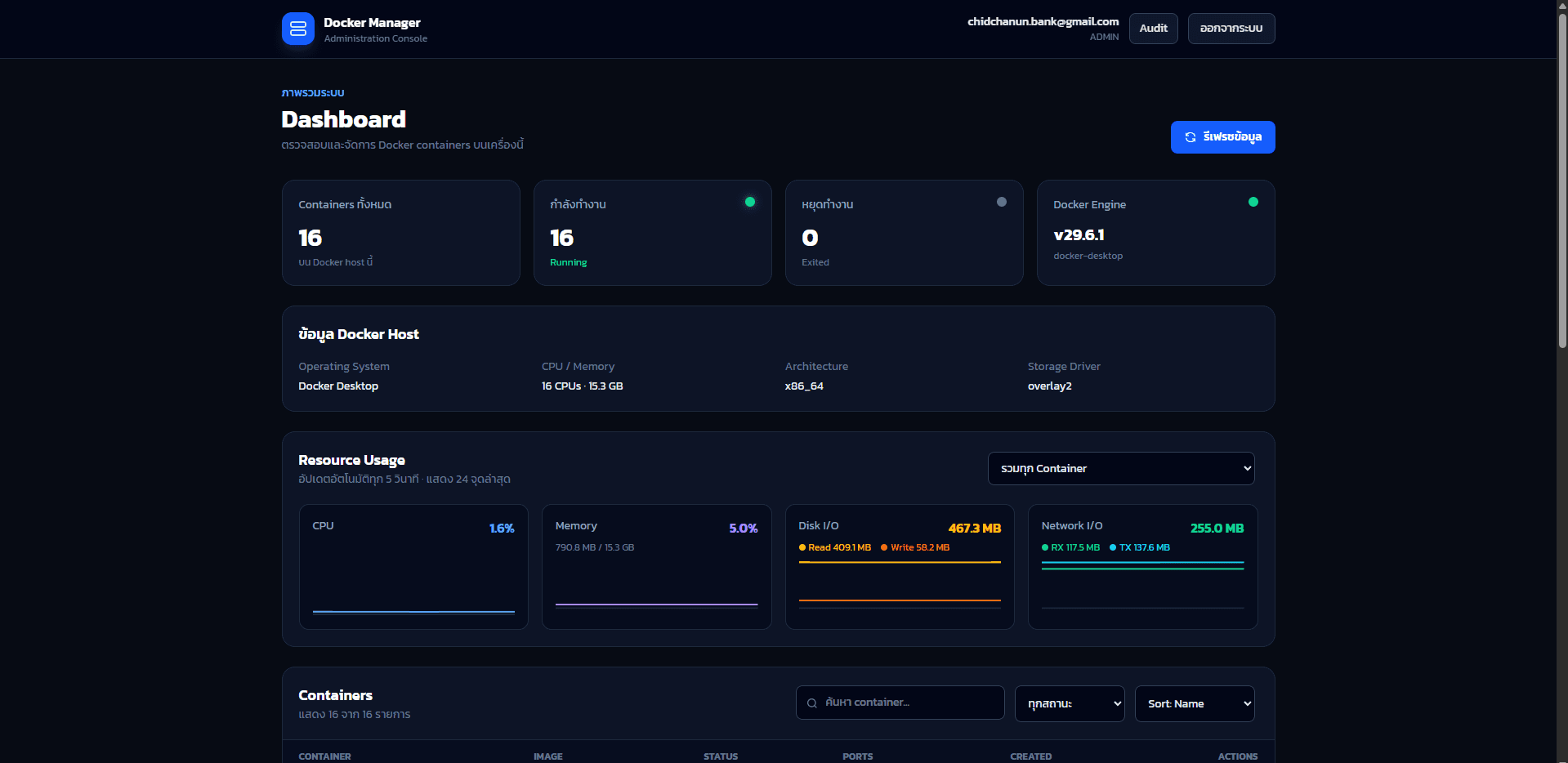
Dashboard overview for checking important Docker and service status from one place.
Additional dashboard view for tracking runtime information and container workflow visibility.
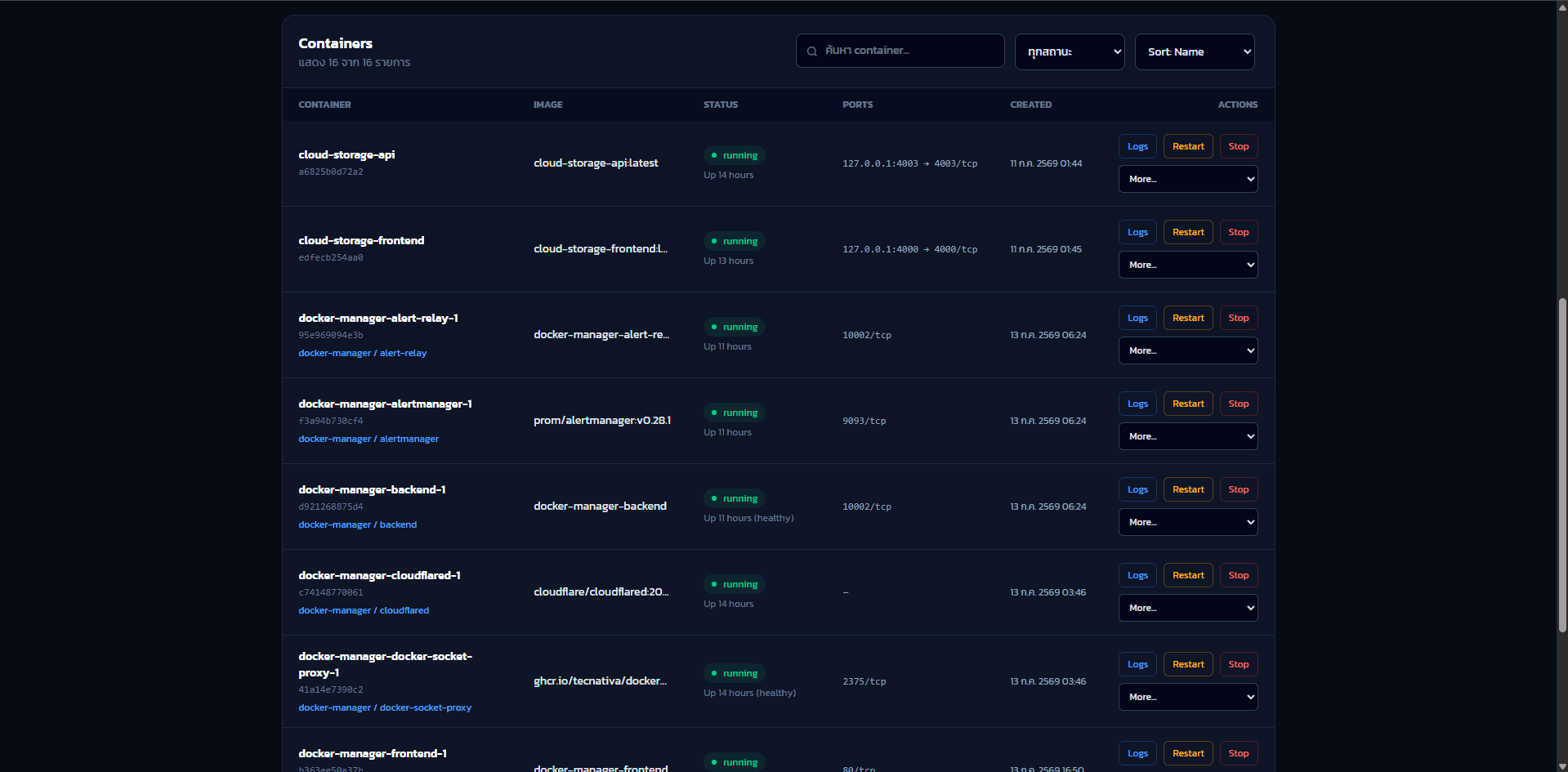
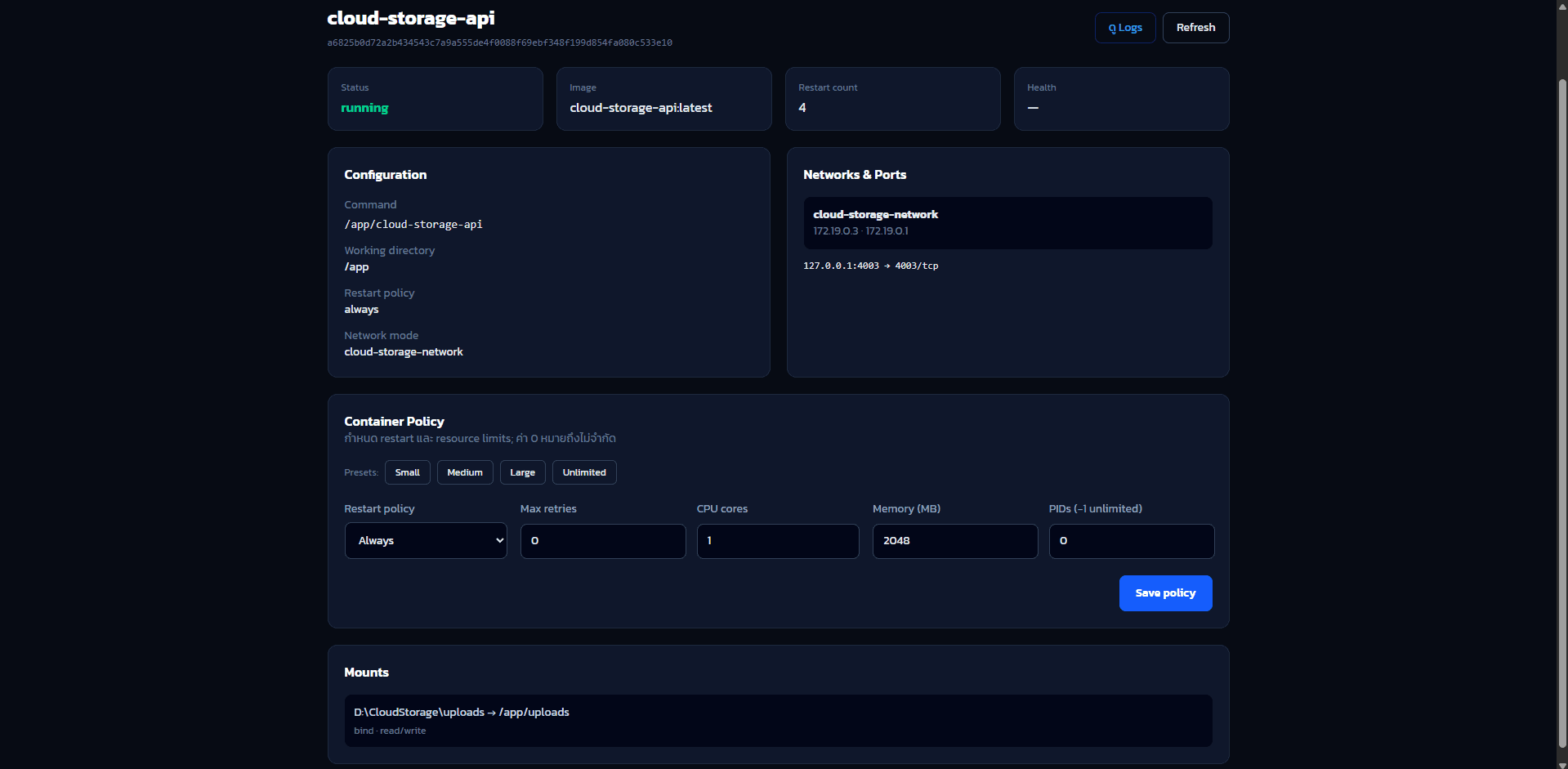
Container management screen for reviewing container lists, statuses, and related actions.
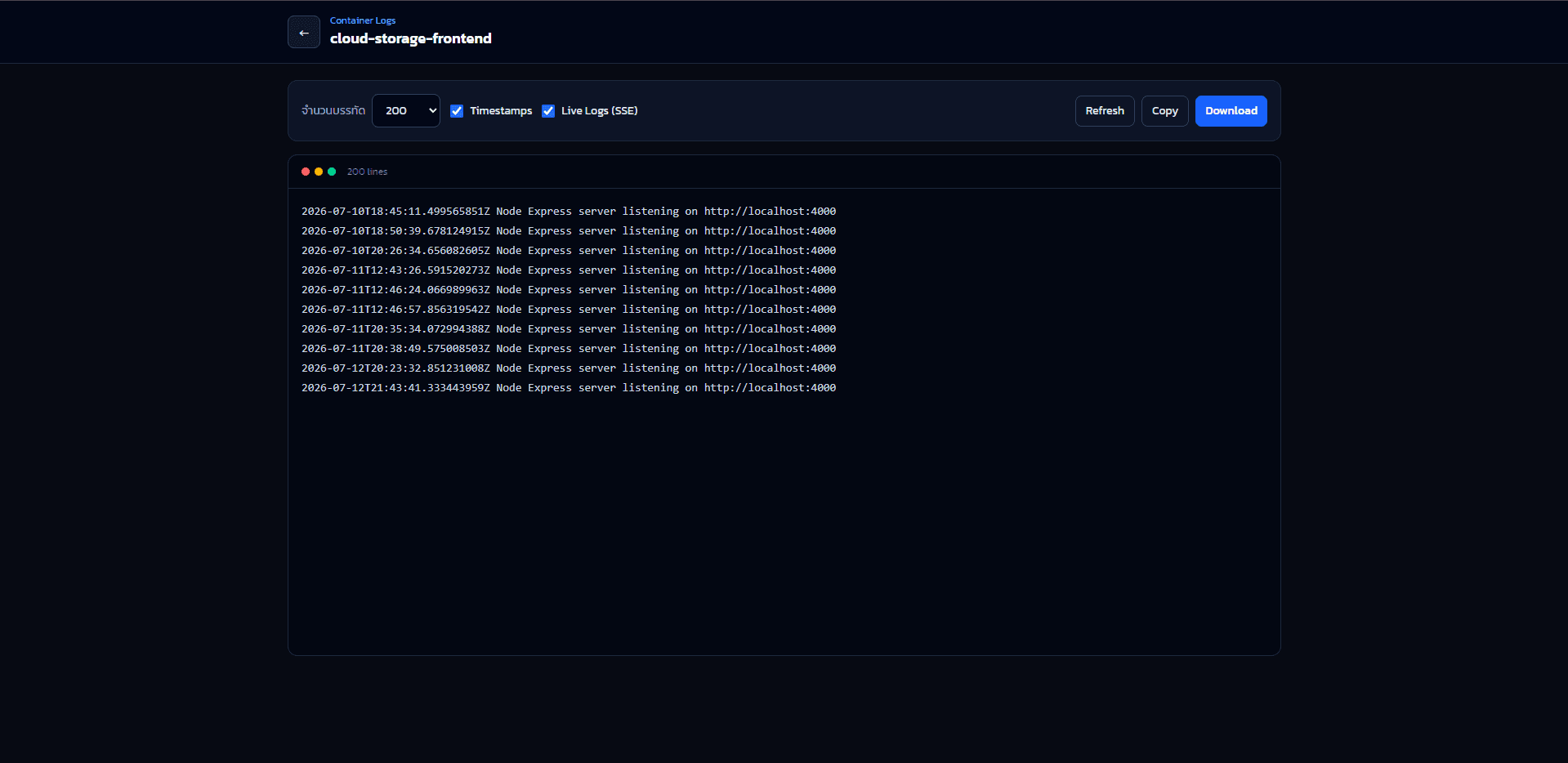
Container log screen for inspecting runtime output and investigating service issues.
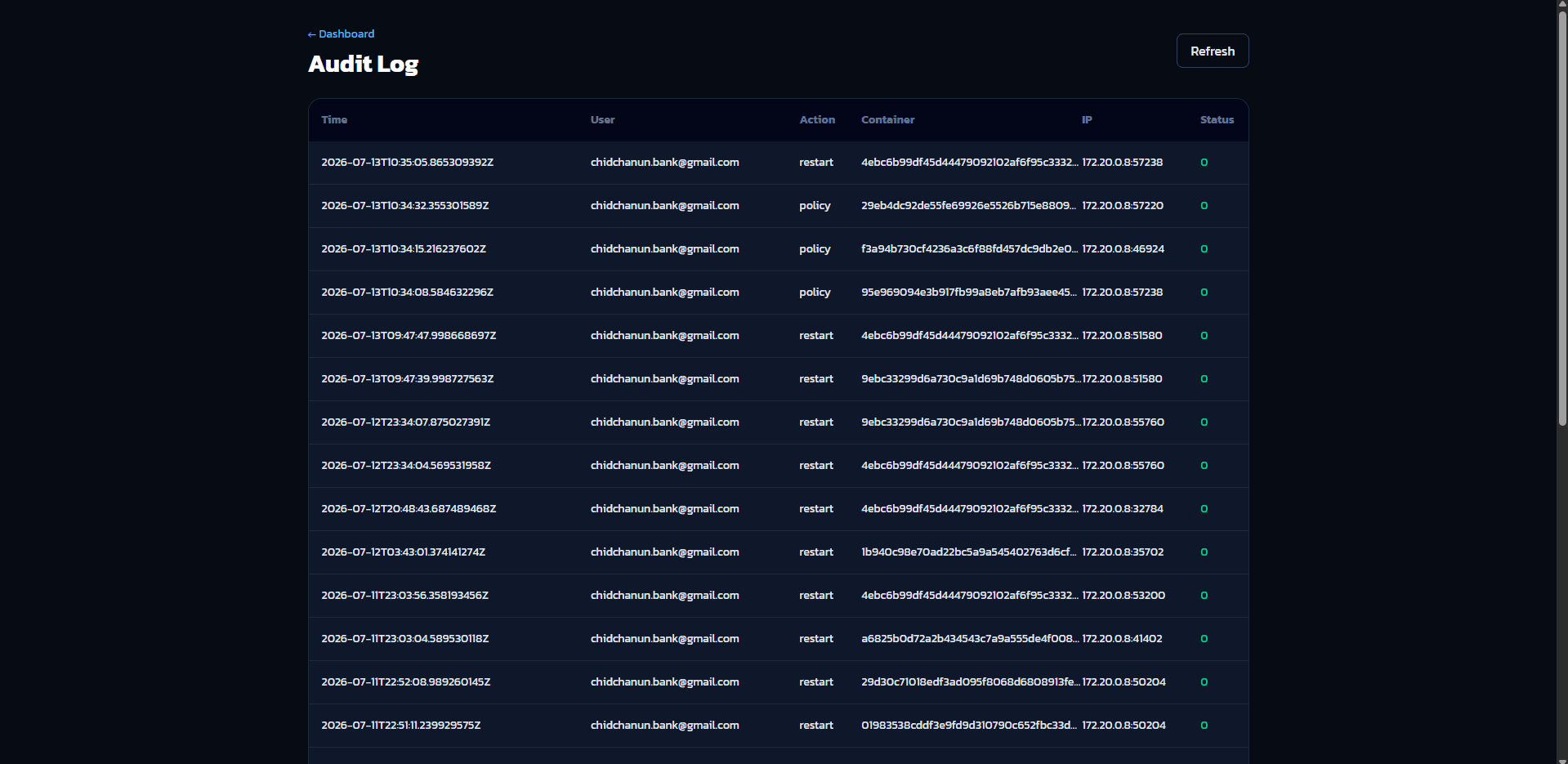
Audit log screen for reviewing important system activity and tracking changes over time.